QM Training & Support

Professional education for confident system use

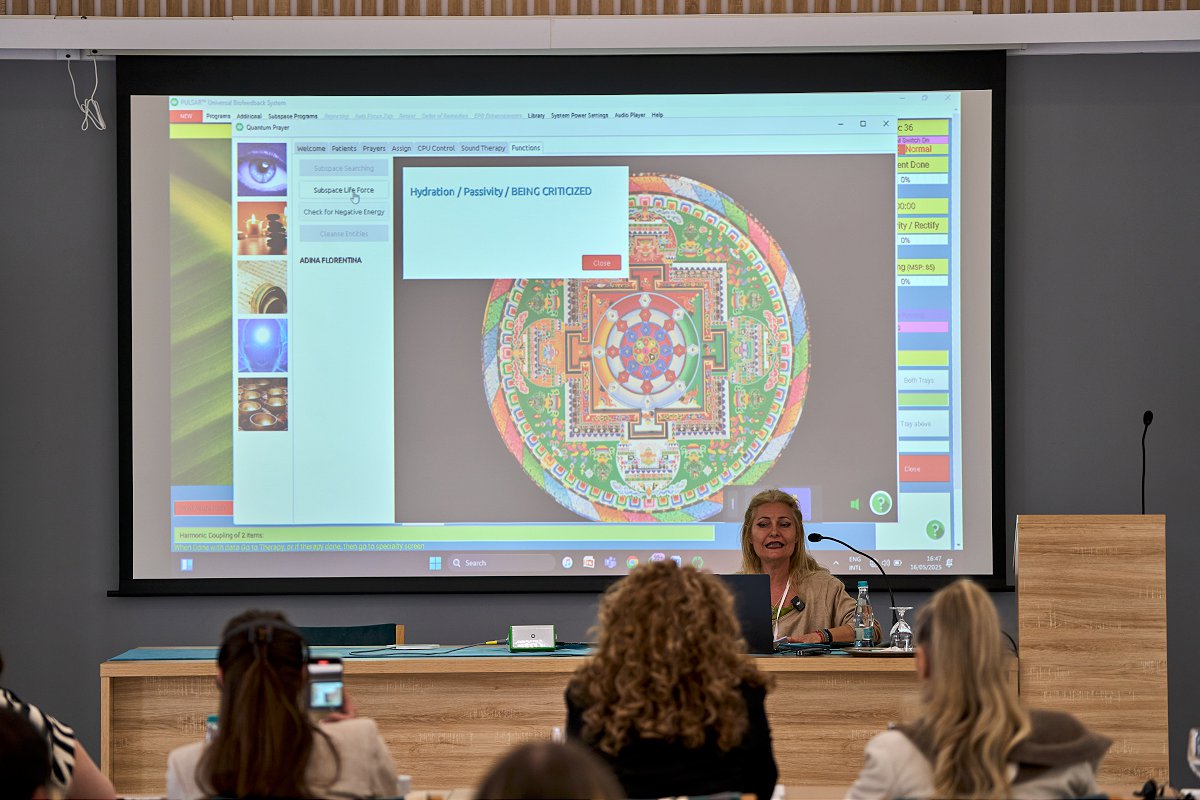
QM supports practitioners with certification pathways, introductory video lessons, webinars, manuals, support resources, and structured onboarding around the PULSAR software ecosystem.

Technician Foundation certification pathway
Advanced Specialist-level development
Learning Center Videos, webinars and manuals
Education Ecosystem

Training, certification, and support built around the practitioner

Technology is only valuable when users understand how to work with it clearly. QM combines structured courses, software-linked resources, video education, webinars and manuals to help practitioners build confidence over time.

The learning path is designed to move from first orientation toward practical workflows, then toward deeper specialist-level understanding for users who want to continue developing professionally.

Certification Pathways

From foundation training to advanced specialist development

QM training is structured around progressive learning: first understand the system, then develop deeper workflows, analysis logic, and advanced practitioner confidence.

Advanced Pathway

Advanced / Specialist Certification

A deeper training pathway for experienced users who want to develop more advanced interpretation, matrix work, analysis logic, specialized workflows, and confidence with more complex software environments.

Matrix work Advanced analysis EEG/RISK workflows Dark Field Specialized modules
View Advanced Course
Recommended Path

A practical route from first login to confident professional use

The training ecosystem is designed to help users build confidence gradually: start with orientation videos, continue with manuals and webinars, then move into certification and specialist-level development.

01 Introductory video lessons

Begin with short orientation videos and basic system navigation.

02 Manuals and support resources

Use the support site, documentation and searchable workflow material.

03 Technician certification

Build a structured foundation for practical system use.

04 Advanced/Specialist training

Continue into deeper workflows, analysis concepts and advanced modules.

Free Learning Resources

Videos, webinars, manuals, and support tools connected to the ecosystem

Beyond certification courses, QM provides a broader learning environment for users who want to review basics, search documentation, watch webinars, and continue learning between live training sessions.

Introductory videos Beginner-friendly orientation lessons for new users.
Webinar library Recorded educational content for ongoing development.
Online user manual Documentation and reference material linked to the ecosystem.
Support site Practical help, FAQ, knowledgebase and workflow resources.
Training Topics

What practitioners learn across the QM education ecosystem

Training focuses on practical system use, responsible communication, software navigation, session workflow, documentation, calibration, analysis environments, and advanced module orientation.

System setup and harness connection
Client loading and session organization
Calibration and graphical feedback
Main matrix and workflow navigation
Documentation and session notes
Biofeedback therapy organization
Advanced analysis environments
Practical Q&A and assignments
Training Format

Online learning with recordings, notes, Q&A and guided progression

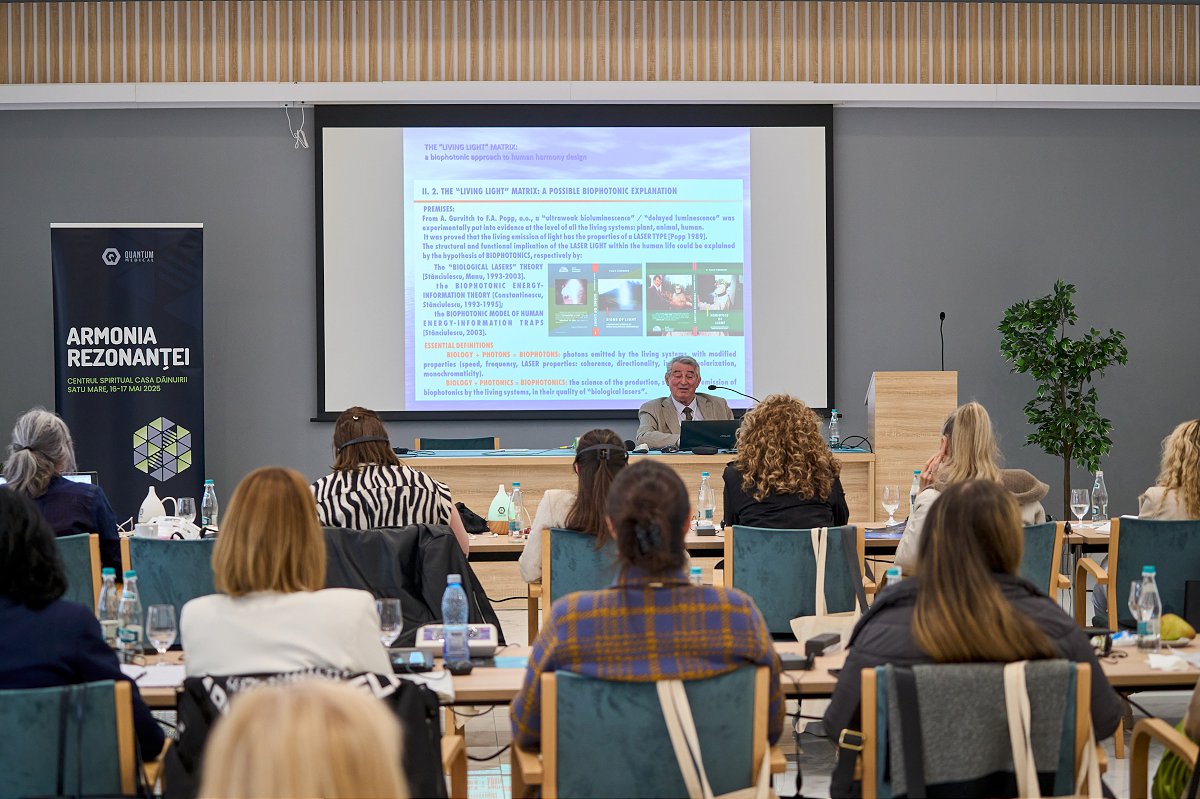
Training is structured to support users between sessions. Participants can review class recordings, follow outlines and notes, prepare questions, and build practical understanding step by step.

Live online sessions Structured lessons with practitioner-focused explanation.
Recordings available Participants can review material at their own pace.
Q&A support Questions can be collected and discussed during training.
Certification process Training may include assignment-based certification steps.
Professional Use

Education supports responsible and structured use

QM training is intended to help users understand the software environment, device workflow, practitioner responsibilities, support resources, and appropriate professional communication around biofeedback and wellness-oriented use.

Start Learning

Ready to build confidence with QM systems and PULSAR software?

Contact QM for information about certification pathways, introductory resources, webinars, software support, manuals and professional onboarding.