Structured sessions
Organize practitioner sessions through a structured software workflow designed for repeatable and practical professional use.


NeuroSync provides a structured practitioner environment for visual biofeedback, physiological monitoring, calibration workflows, session organization, guided interfaces, and professional wellness-oriented workflows.
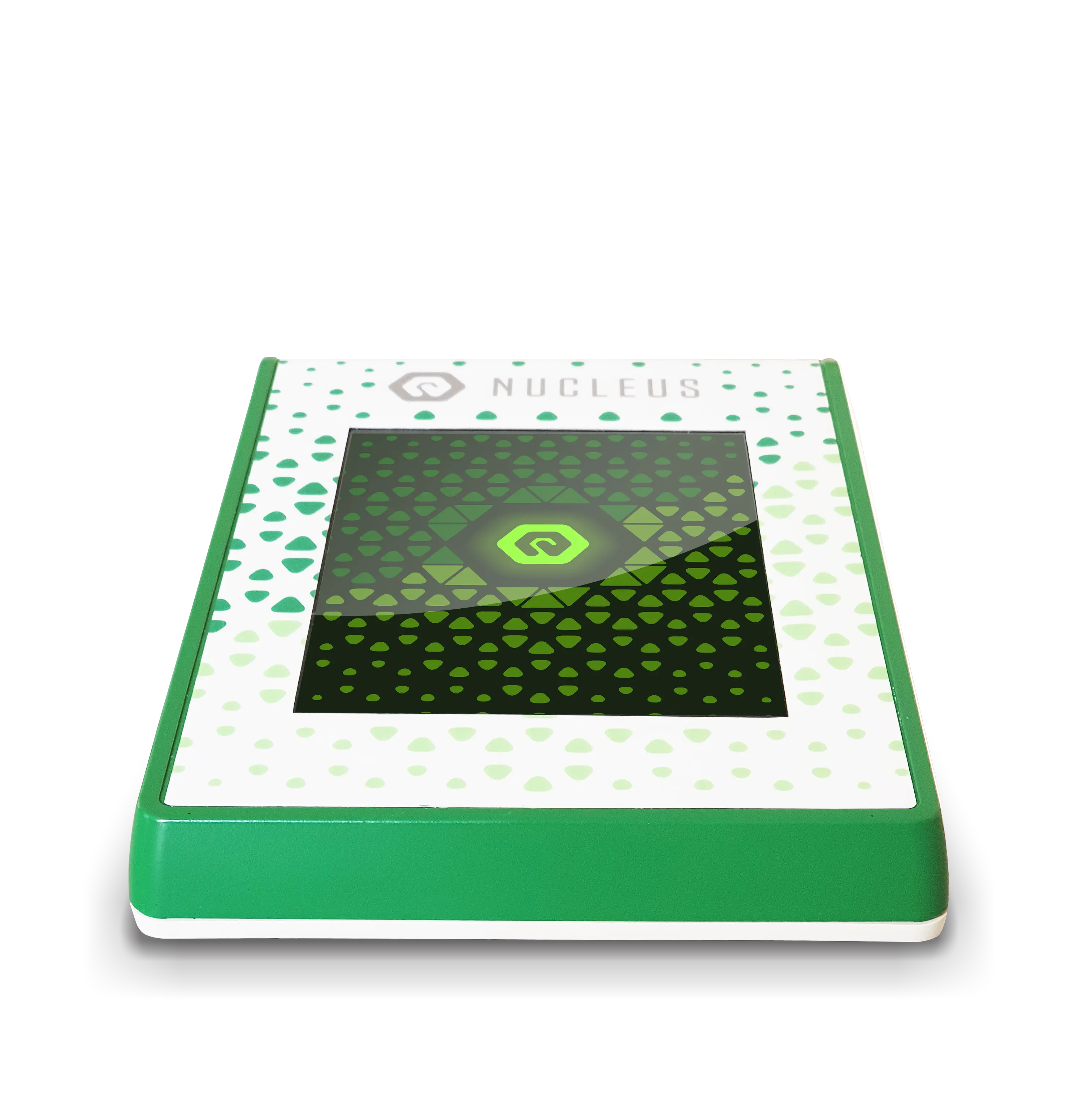
NeuroSync is designed as the official software environment behind the NUCLEUS NeuroSync System. It supports practitioner workflows through structured session organization, visual interfaces, calibration environments, physiological visualization tools, and guided workflow navigation.
NeuroSync also connects the wider QM ecosystem: NUCLEUS®, EDX®, practitioner education resources, support platforms, webinars, manuals, and structured onboarding workflows.
Organize practitioner sessions through a structured software workflow designed for repeatable and practical professional use.
Visual calibration interfaces and physiological feedback environments help support workflow consistency and guided operation.
Multiple software environments support different practitioner workflows, visualization modes, and session organization needs.
NeuroSync connects users with manuals, onboarding lessons, learning resources, and long-term software support.
NeuroSync includes visual interfaces, calibration environments, session organization tools, onboarding modules, and structured workflow sections designed for everyday professional use.
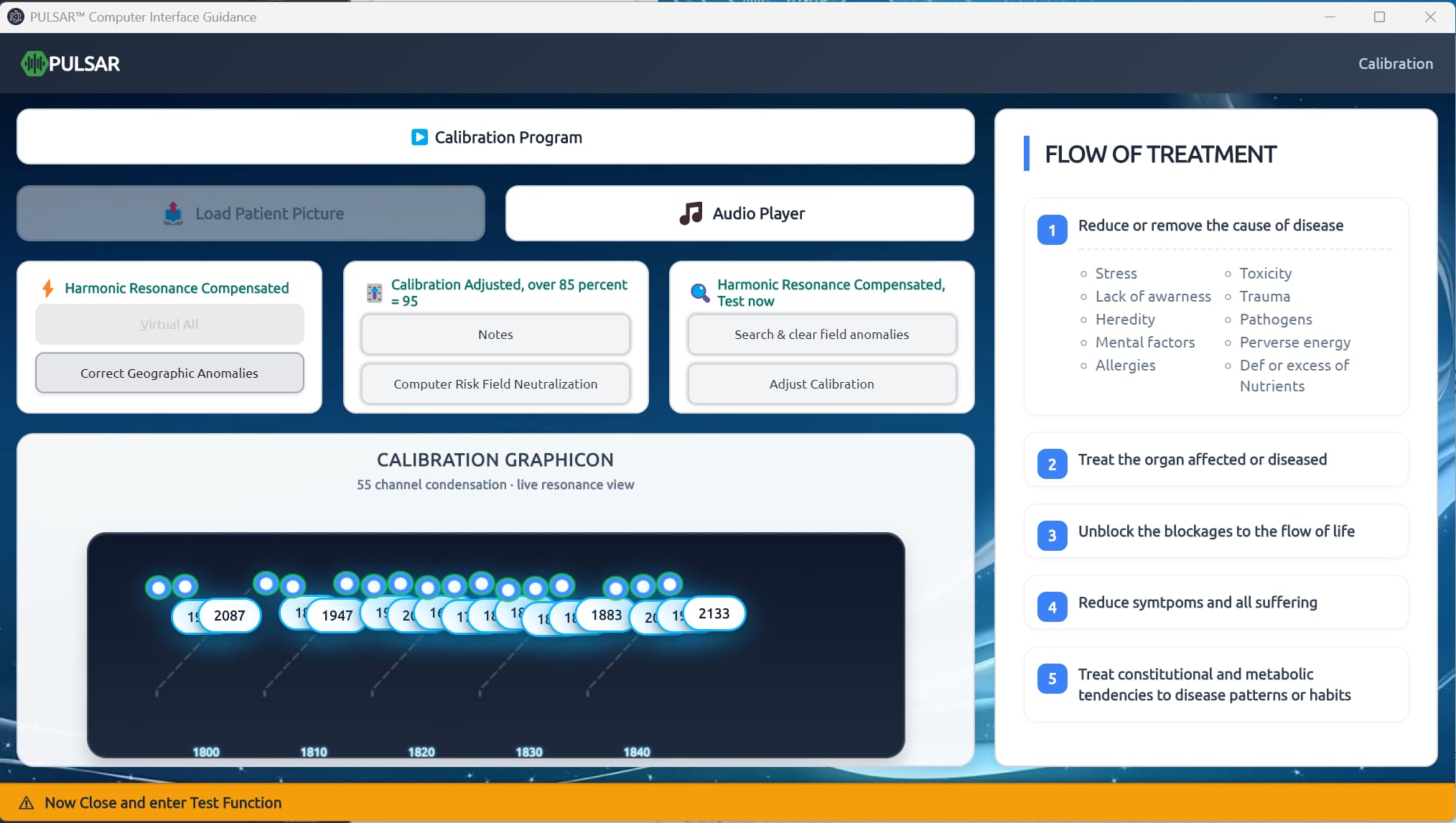
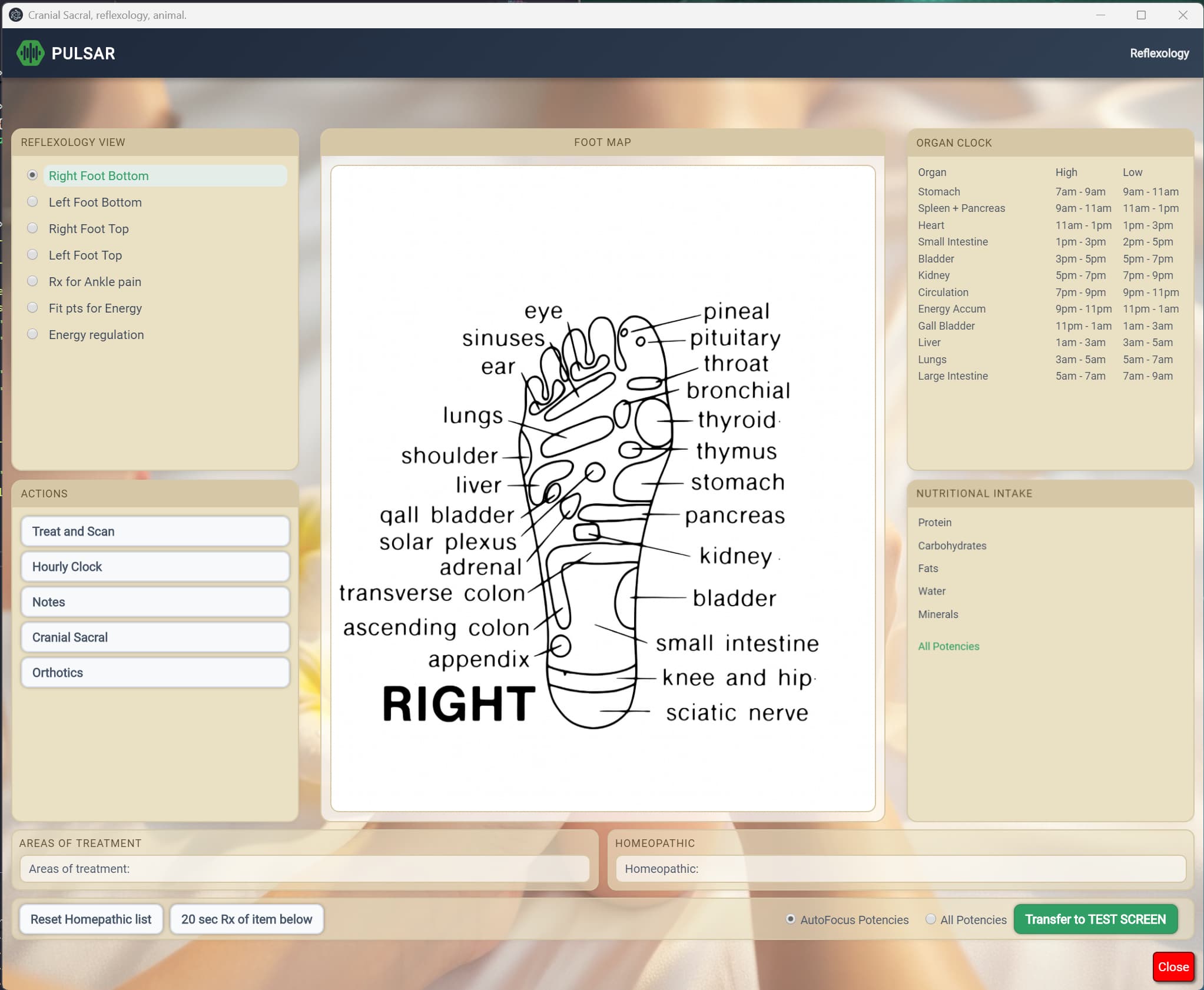
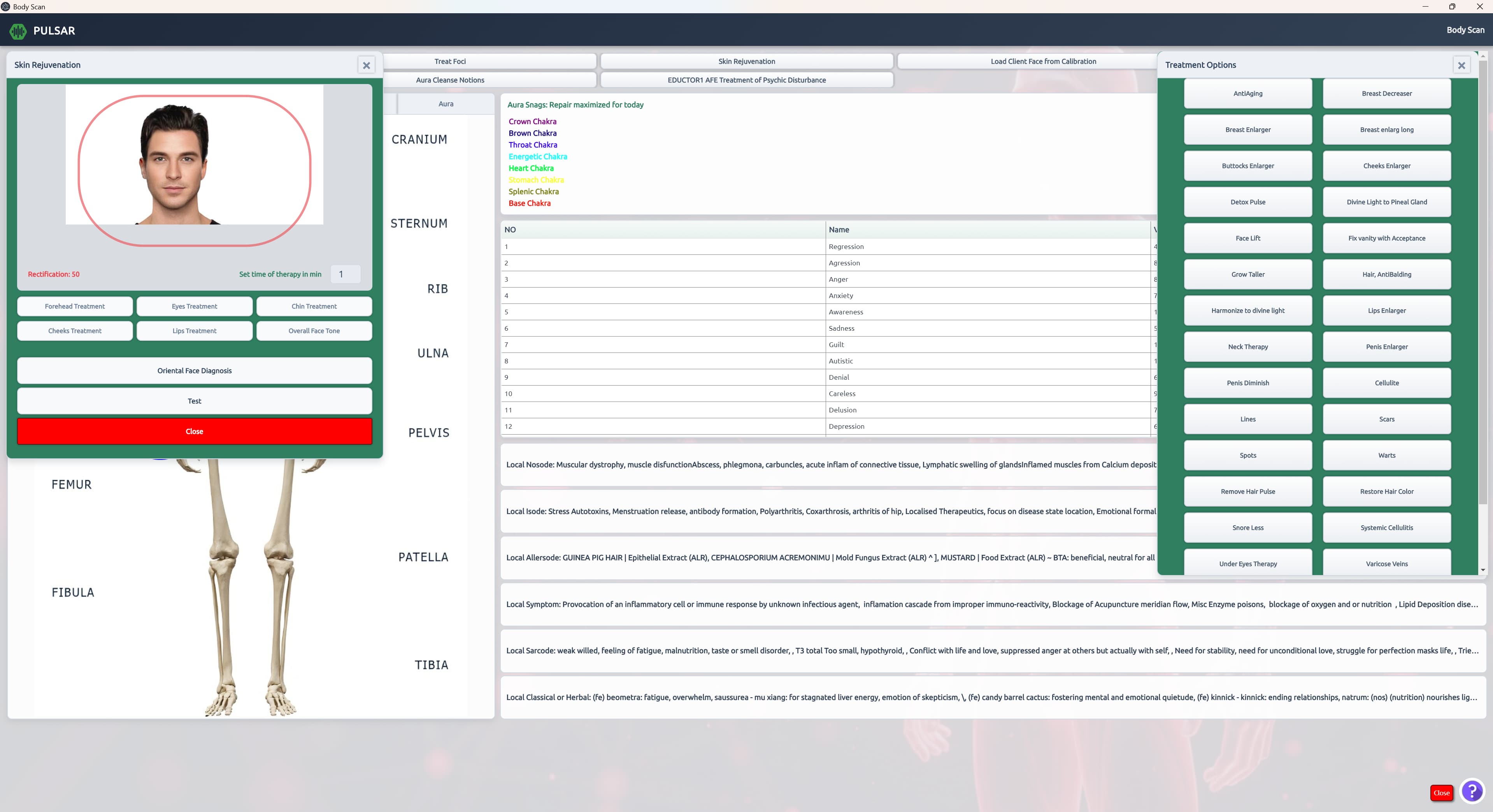
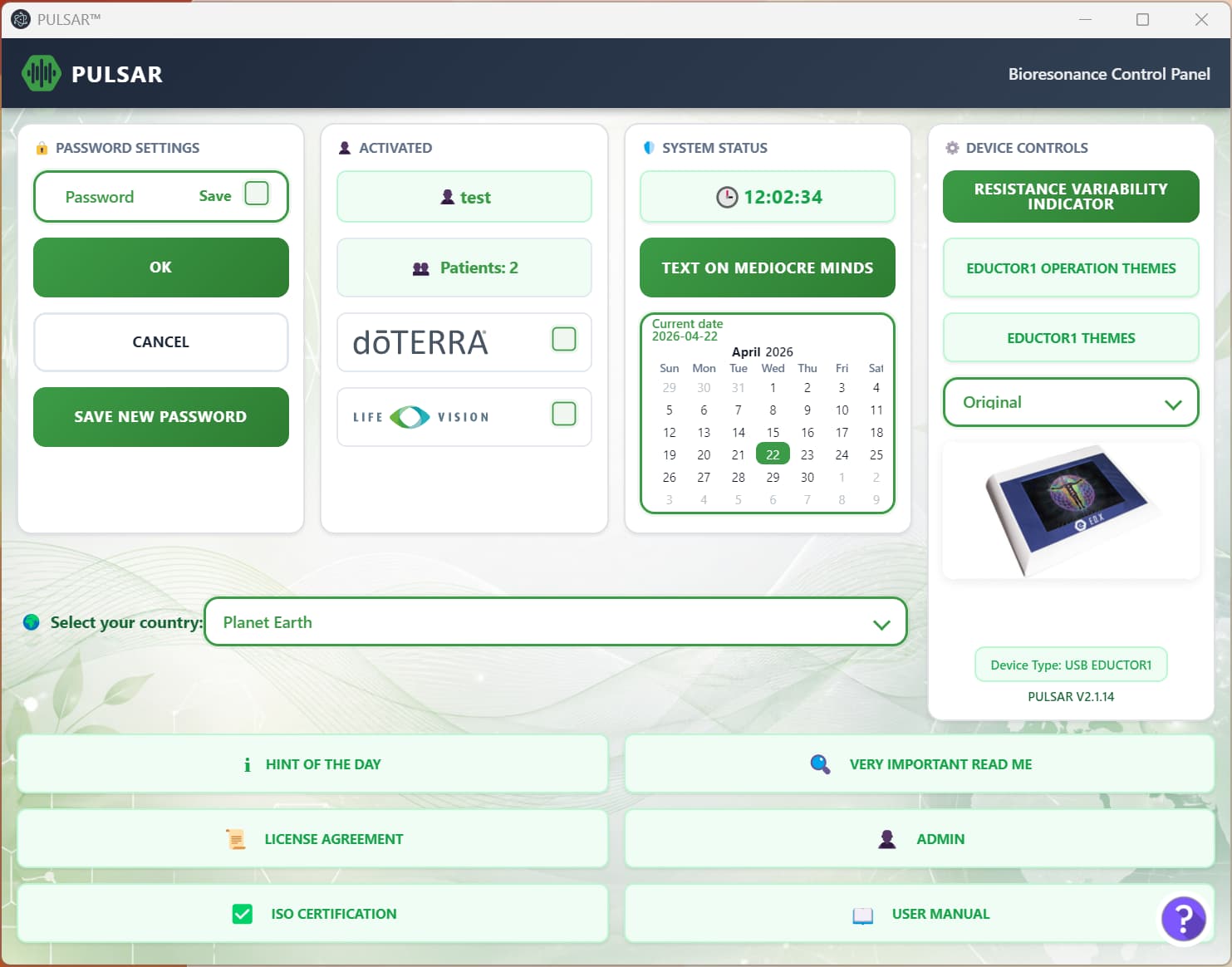
NeuroSync connects to a wider education and support ecosystem: introductory video lessons, online manuals, webinars, and practical workflow guidance designed for professional users.

NeuroSync represents the official structured workflow direction for the NUCLEUS NeuroSync System. Historical workflow development inside the wider QM ecosystem continues to support long-term platform evolution, practitioner education, and future workflow refinement.
QM systems are intended to run on a dedicated, stable Windows laptop with modern connectivity and sufficient storage for long-term maintenance.
NeuroSync supports structured practitioner workflows across professional wellness-oriented environments, training setups, and guided session formats.
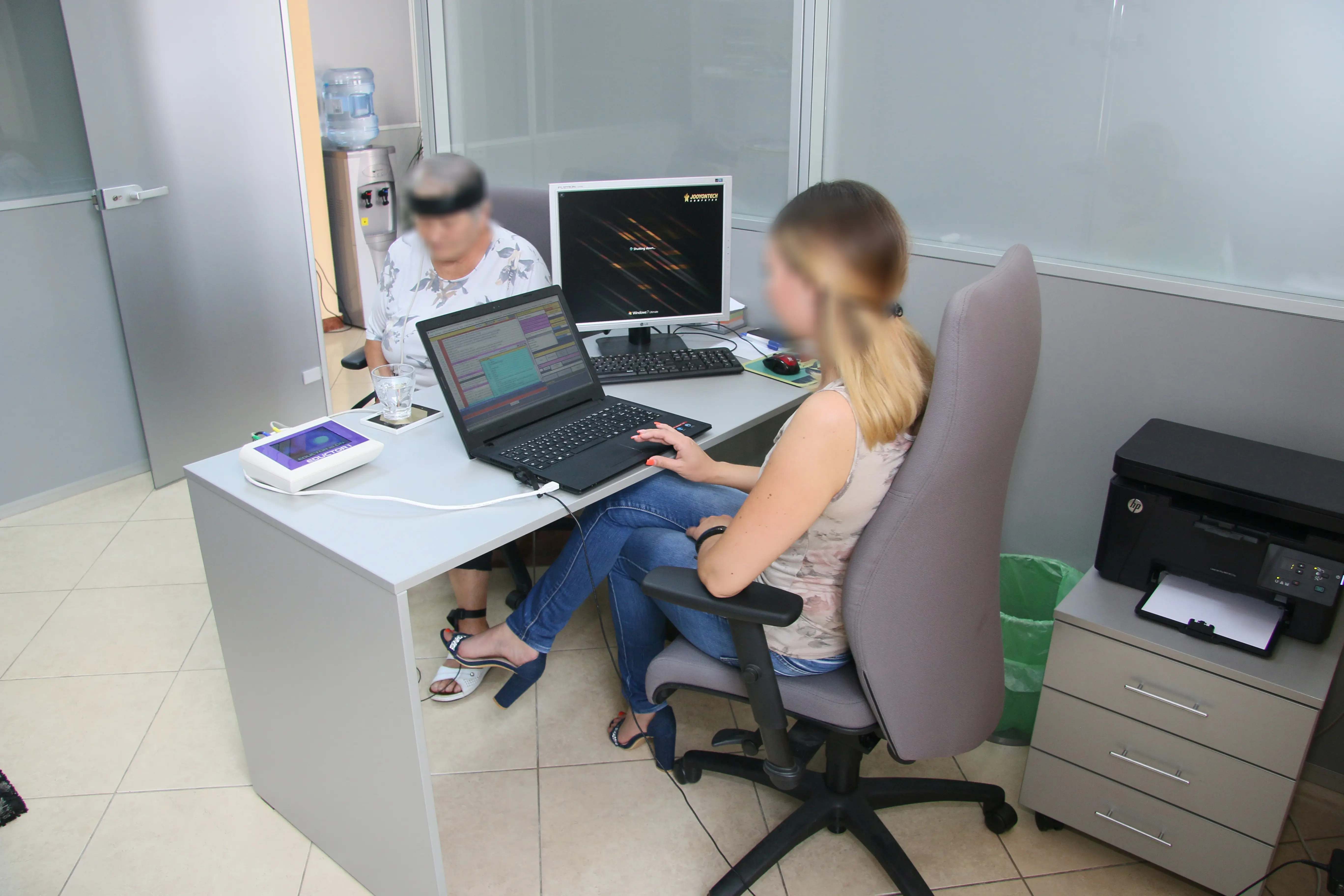
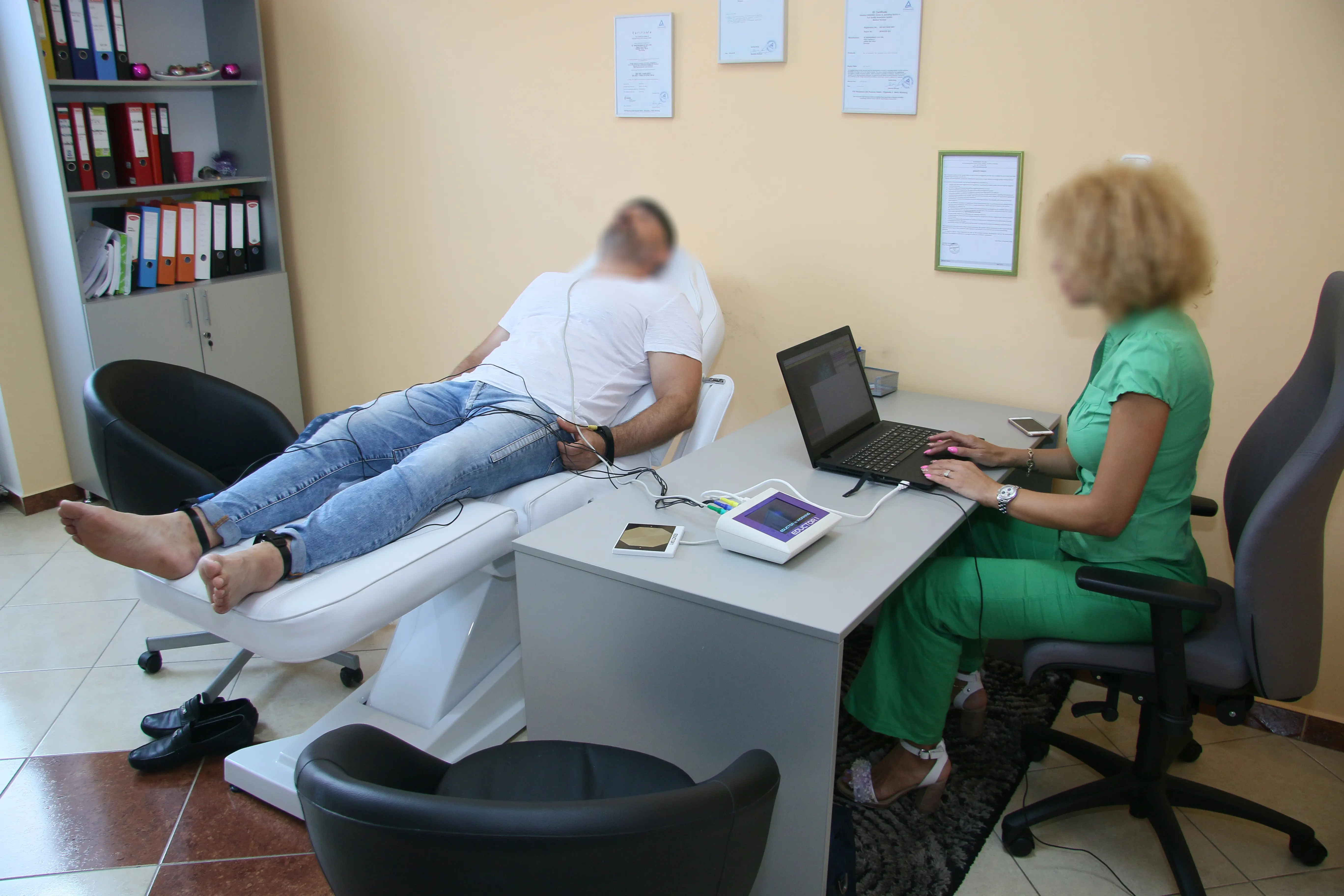
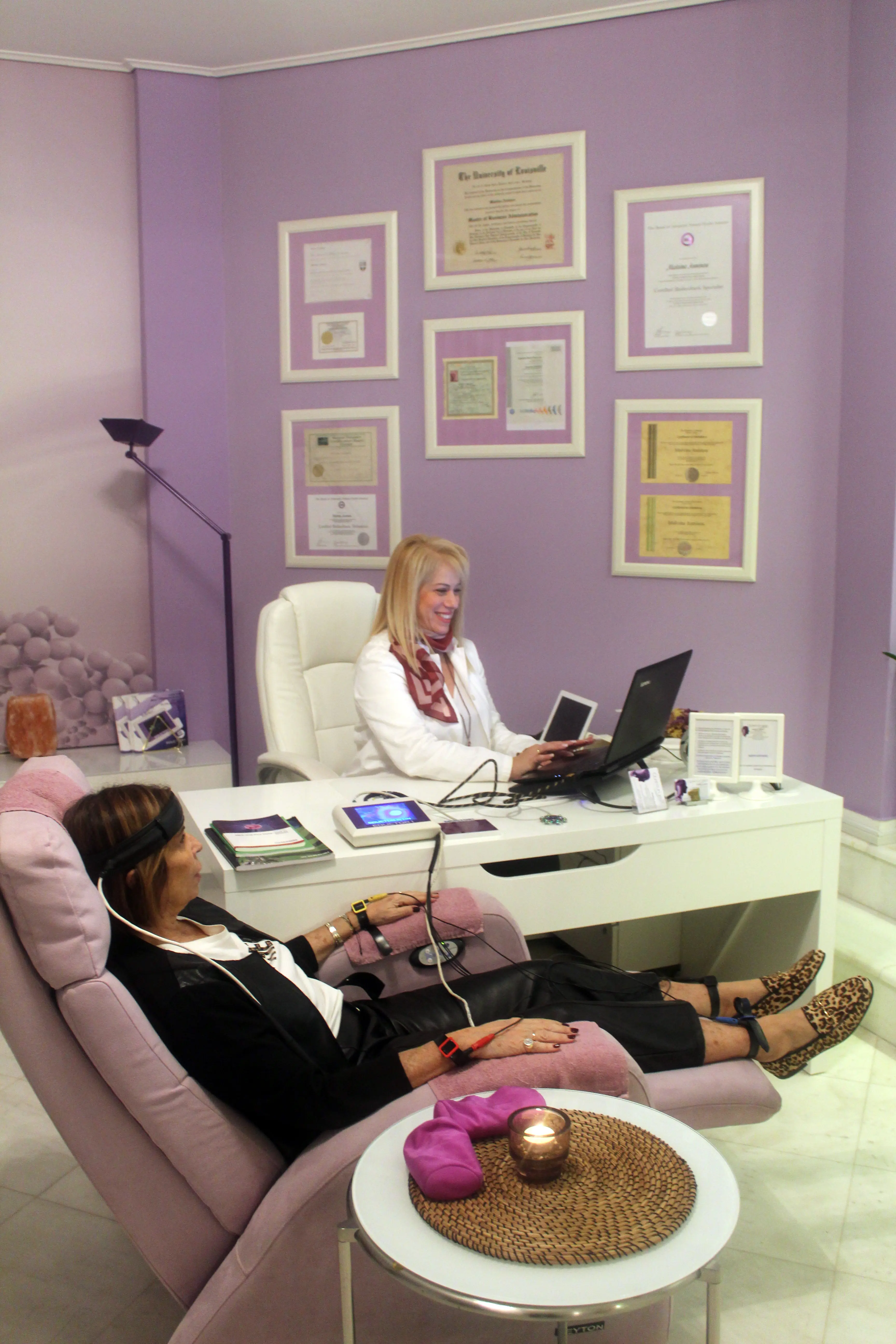
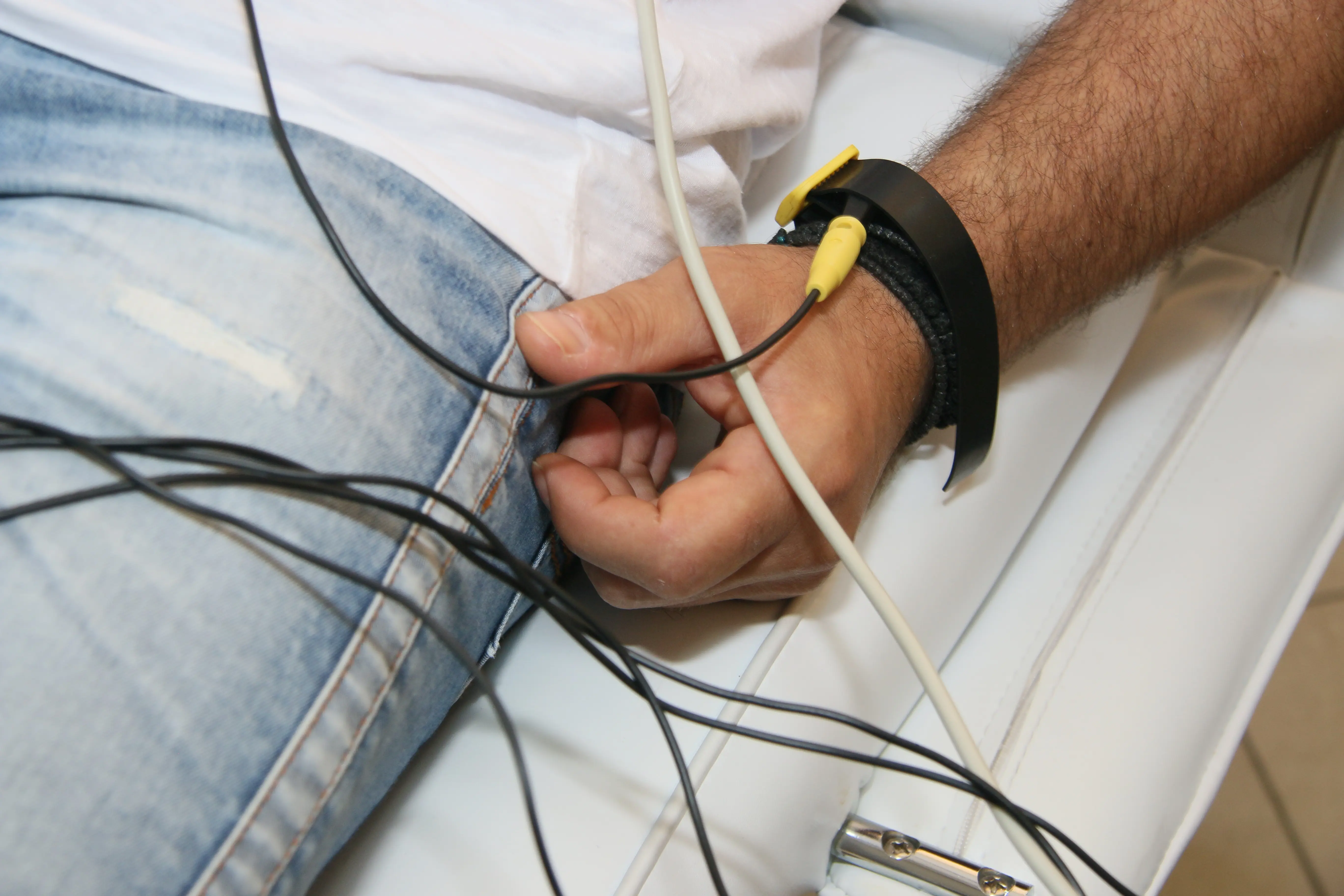
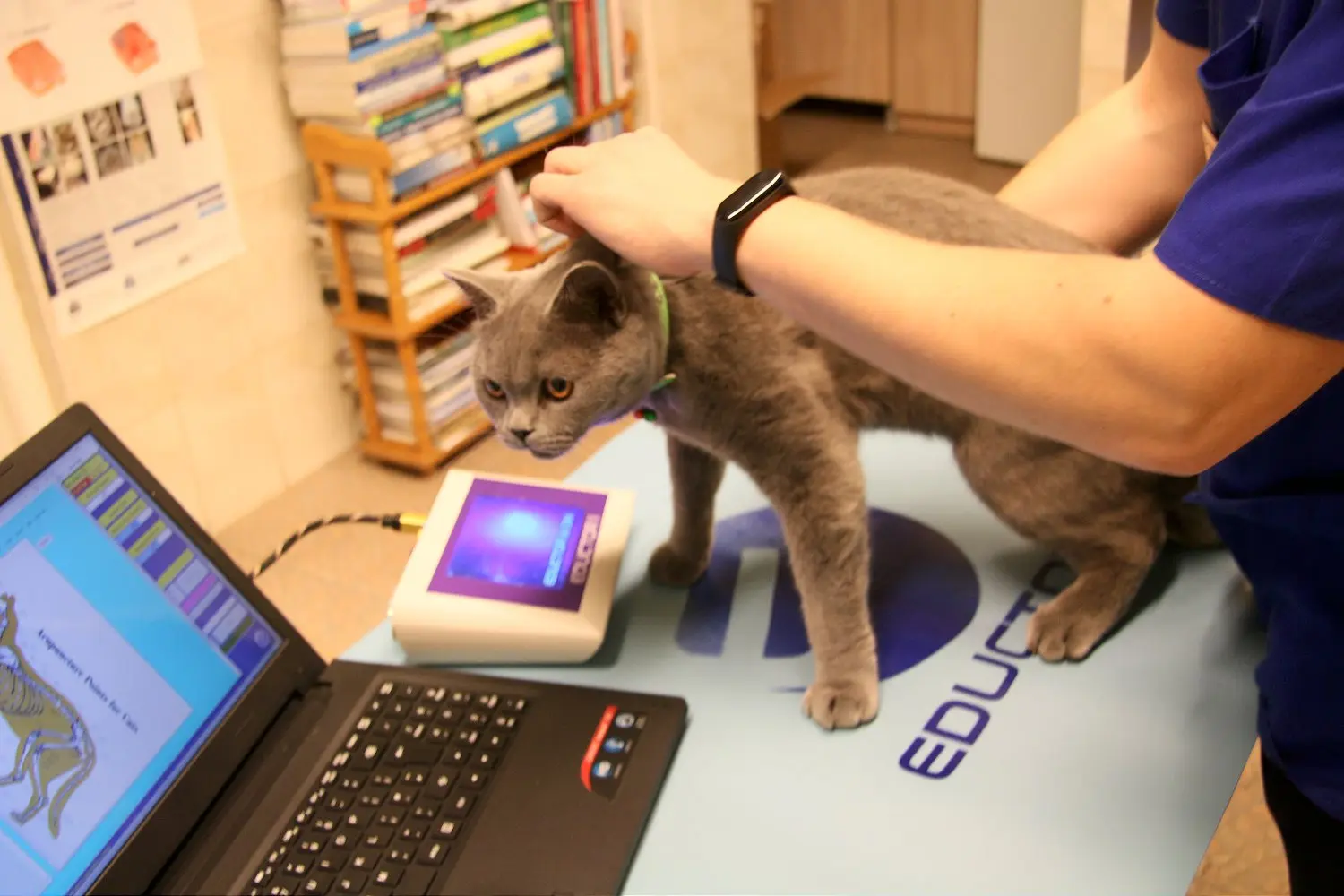
Certain advanced educational and historical workflow environments developed during earlier software generations remain referenced for long-term users, educational continuity, and historical compatibility purposes.
Contact QM for information about software workflows, system compatibility, training resources, onboarding, and professional support.